TL;DR
TL;DR Technical Overview: Semester-long infrastructure course at NTNU covering on-prem Windows Server administration and Azure cloud deployments.
- Active Directory from scratch: domain setup, OUs, security groups, GPOs, DFS namespace and replication
- PowerShell automation throughout - scripts for provisioning, monitoring, reporting, and Azure resource management
- Azure cloud track: VNETs, hub-spoke topology with Azure Firewall, VPN Gateway (P2S), AKS cluster with Kubernetes Secrets
- Security work: VEEAM backup, Security Compliance Toolkit, nmap scanning, hardening validation
- Hybrid cloud: Azure Arc onboarding of on-prem VMs, Azure Monitor integration
What this course was
DCST1005 is an infrastructure management course at NTNU. Over 18 weeks, it covered the full stack of Windows Server administration, then moved into Azure cloud services and hybrid environments. Every topic had a practical lab - no theory-only weeks.
The lab environment was four Windows VMs running on OpenStack: DC1 (domain controller), SRV1 (file/application server), CL1 (client workstation), and MGR (management station). Everything was configured from scratch, mostly through PowerShell.
I did all 11 exercises. This post breaks down what was actually built and what I learned from each part.
Tech stack
| Category | Tools |
|---|---|
| Directory Services | Active Directory Domain Services, DNS, RSAT |
| File Services | DFS Namespace, DFS Replication, SMB shares |
| Group Policy | GPMC, Security Baselines, GPO-based share access |
| Automation | PowerShell (provisioning, monitoring, reporting) |
| Monitoring | Performance counters, Event Log queries, HTML reports |
| Backup | VEEAM Data Platform Premium |
| Security | Security Compliance Toolkit, Windows Admin Center, nmap |
| Cloud | Azure Portal, Azure CLI, Azure Resource Manager |
| Hybrid | Azure Arc, Azure File Sync, Azure Monitor |
| Networking | Azure VNET, NSG, Azure Firewall, Hub-Spoke topology, VPN Gateway (P2S) |
| Kubernetes | AKS, kubectl, Kubernetes Secrets, Azure Table Storage |
| IaC (cloud) | PowerShell (Azure modules), Heat templates (OpenStack) |
Identity and Active Directory
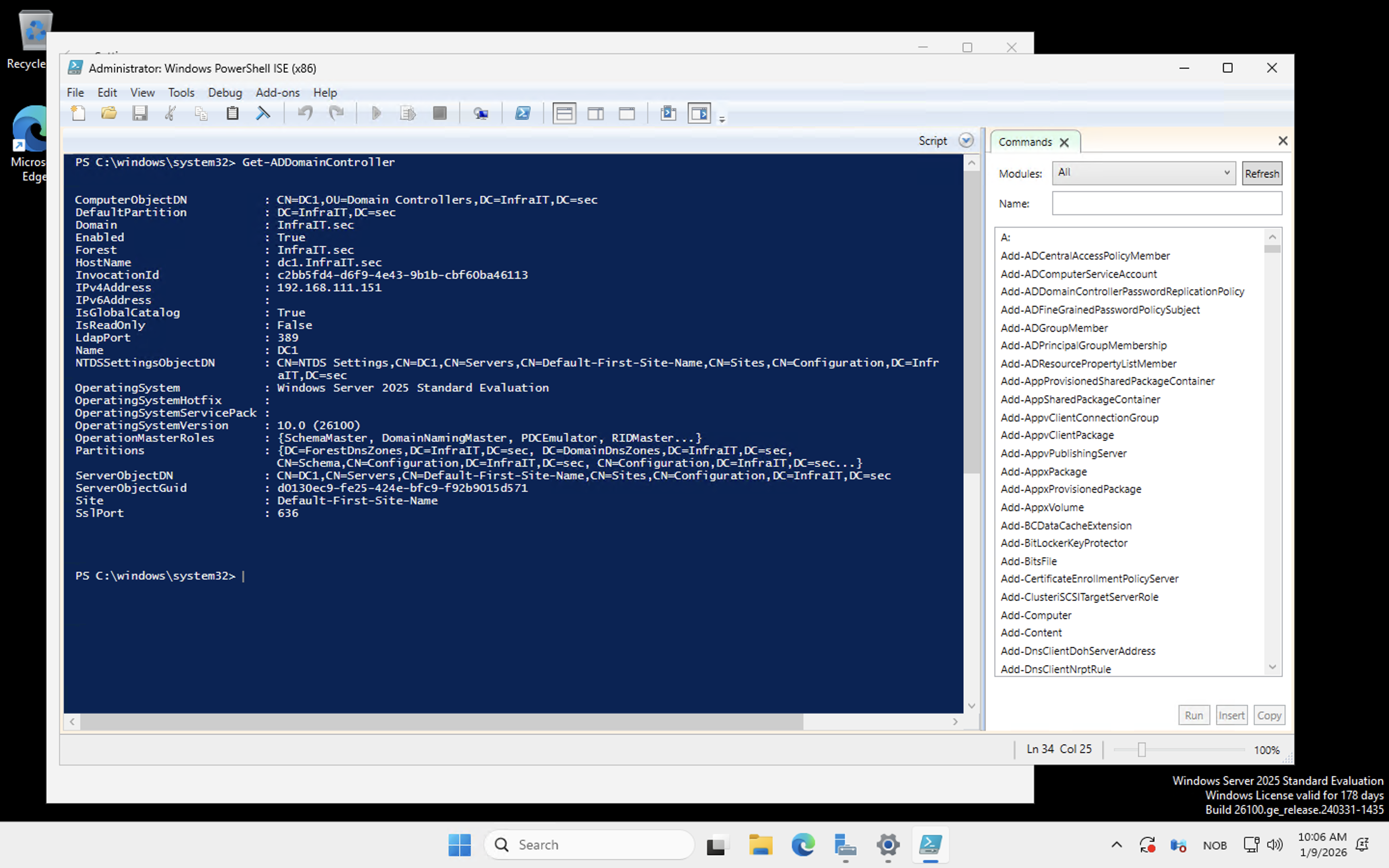
The first few weeks were about getting a domain up and running correctly. That meant installing AD DS on DC1, promoting it to a domain controller, and then building out the directory structure the right way - not just dumping users into the default container.
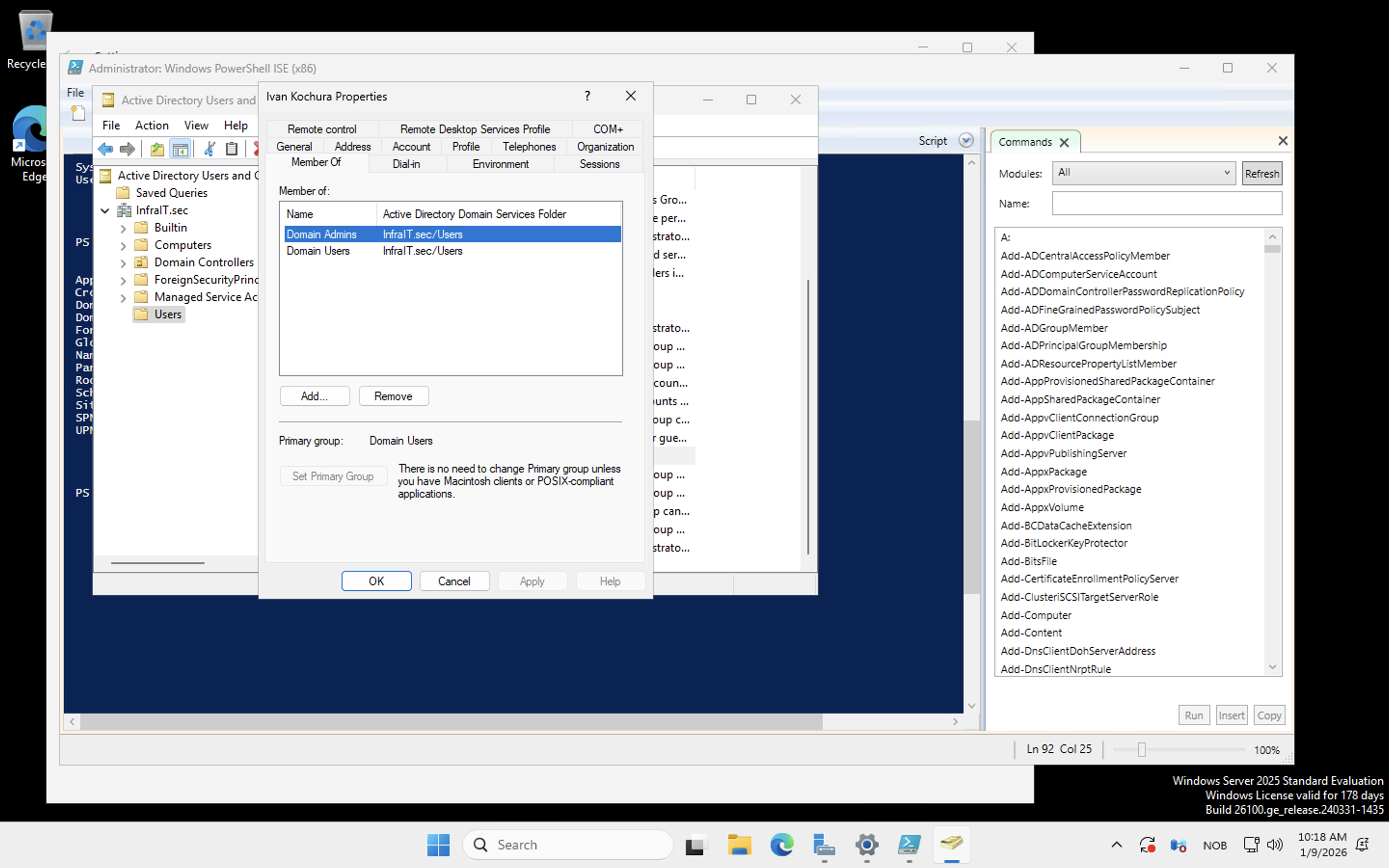
Organizational Units were created to reflect a realistic company structure. Security groups mapped to departments. Users were created in bulk via PowerShell, and group membership was managed through scripts rather than the GUI.
The thing that sticks with me from this section is how much of AD administration is really about structure decisions you make early. Flat OU hierarchies are quick to set up and painful to manage later. Getting the OU design right before adding users is the kind of detail that makes sense in hindsight but isn't obvious the first time you're doing it.
Group Policy and file services
Group Policy was used for two main things: controlling Remote Desktop access for non-admin users, and setting permissions for department file shares.
DFS - Distributed File System - was the more interesting part. I set up a DFS namespace so clients could access shared folders through a logical path rather than a specific server path. Then DFS Replication was configured between SRV1 and a second target, keeping the share content synchronized. If one server goes down, clients keep working. They don't know or care about which physical server they're actually hitting.
This was the first time the concept of transparent failover clicked for me as something you configure rather than something that just happens.
PowerShell automation
PowerShell ran through the entire course. Every section had a scripting component, but the monitoring week was where the volume really picked up.
The scripts covered:
- Installing AD DS and promoting a domain controller
- Bulk OU, group, and user creation from structured data
- Querying performance counters remotely across multiple machines
- Monitoring Windows services on remote hosts and reporting status
- Pulling Security event log entries and filtering by event ID
- Saving all of the above to HTML reports
The HTML reporting scripts were a bit of a surprise. Writing PowerShell that queries a remote machine, formats the results, and drops a readable report into a file is not glamorous work, but it's exactly the kind of thing that gets used in real environments. I started treating those scripts as reusable tools rather than throwaway exercise submissions.
Monitoring and observability
The monitoring labs were about understanding what's actually happening on your infrastructure at runtime - not just whether machines are up, but what they're doing.
Performance counters collected CPU, memory, and disk metrics from DC1 and SRV1 using Get-Counter with remote sessions. Results were saved to CSV for trend tracking, then summarized in HTML reports. Service health monitoring ran similar remote queries, checking that critical services were in the expected running state.
The security event log work covered filtering event IDs for login events, failed authentication attempts, and service changes. Finding specific events in a noisy log using XML-based filters in PowerShell is slower than it looks in tutorials, but once the filter syntax clicks it's actually quite precise.
Backup and security hardening
VEEAM Data Platform Premium was installed on SRV1 and used to back up DC1. The process covered agent installation, configuring backup jobs, and verifying restores. Not the most exciting lab, but backup configuration is one of those things where the people who skip it regret it.
The security hardening week covered more ground. The Security Compliance Toolkit provided Microsoft's recommended security baselines, which were applied and then validated with PowerShell scripts checking things like SMBv1 status, firewall activation, execution policies, and password policy settings.
The pentest lab used nmap to scan the lab infrastructure and identify exposed services. The point wasn't to find exploits but to see what an attacker sees - which ports are open, which services are reachable, what's unnecessarily exposed. Running the scan after hardening and comparing the output to the pre-hardening baseline made the value of the hardening steps concrete rather than theoretical. Weak passwords came up repeatedly as the primary attack vector, which is easy to accept as a fact but more convincing when you watch a credential stuffing test succeed.
Windows Admin Center was also part of this section, for server management without full RDP sessions. Useful for quick operational tasks, though my preference is still the command line.
Azure fundamentals and cloud infrastructure
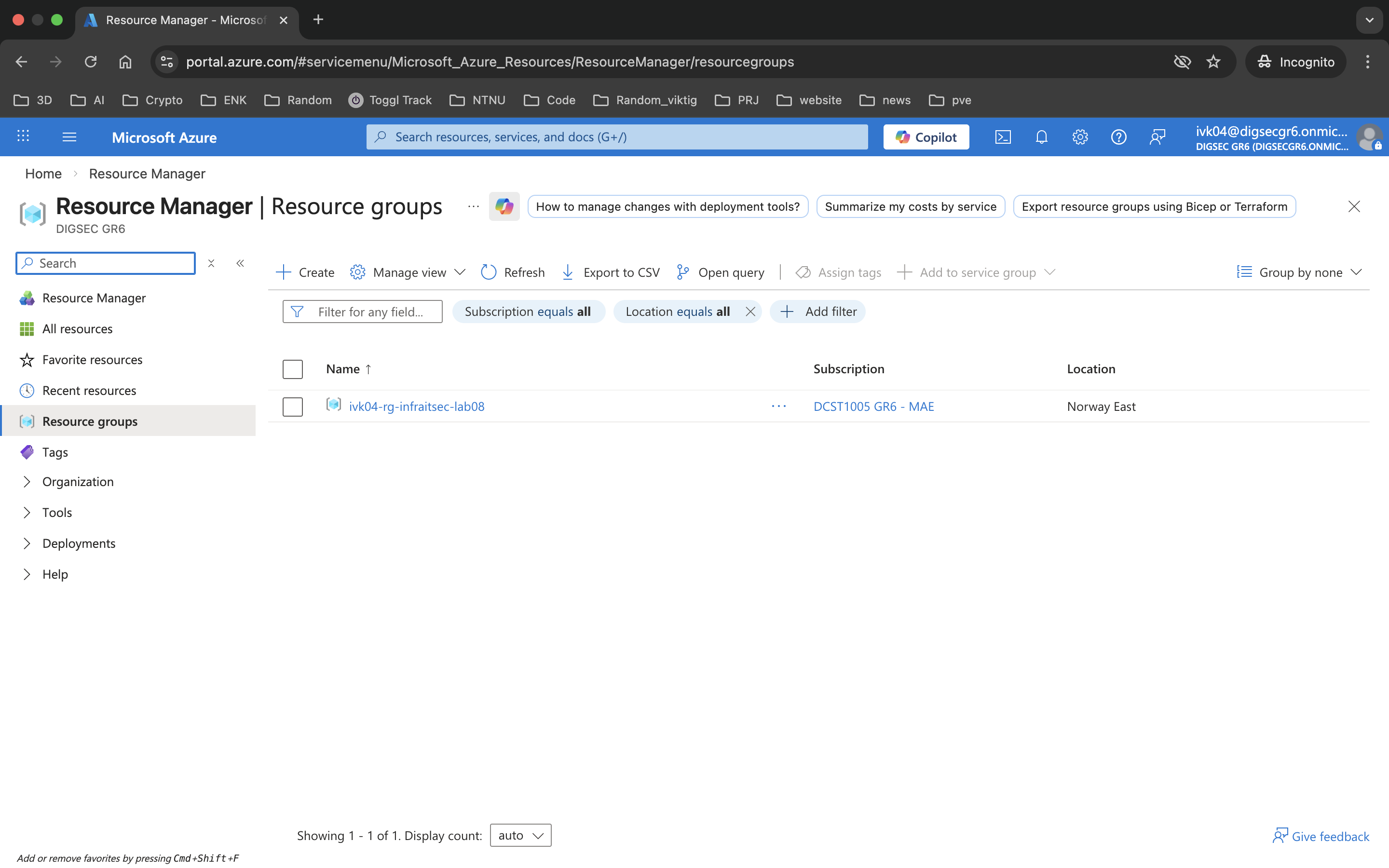
Halfway through the semester, the course moved to Azure. The early labs covered the portal, resource groups, basic IAM, and management group hierarchy. Useful orientation for how Azure organizes things, even if the tasks themselves were straightforward.
Then we got to networking. Virtual networks, subnets, and Network Security Groups first. Then the hub-spoke topology lab, which was the most architecturally interesting thing in the Azure section.
The hub-spoke setup built three spoke VNETs and one hub VNET, then established bidirectional peering between the hub and each spoke. Azure Firewall Basic was deployed in the hub with a policy that permitted inter-spoke traffic explicitly. The key thing the lab demonstrated is that VNET peering is non-transitive - spokes can't reach each other directly, only through the hub. Routing tables had to be configured to push traffic through the firewall rather than around it.
I'll be honest: when we got to this section, I had already built most of this architecture independently in my homelab a few weeks earlier. That was a good moment. Seeing the same concepts - hub networks, controlled routing, firewall-enforced segmentation - appear in a graded exercise after having already worked through them on my own confirmed that I was building the right mental model, not just following instructions.
Hybrid cloud with Azure Arc
Azure Arc was used to onboard the on-prem lab VMs (DC1, SRV1, MGR, CL1) into Azure for centralized management. The Connected Machine Agent was installed on each VM using both the GUI method for the first machine and scripted PowerShell deployment for the rest.
Once onboarded, the VMs showed up in Azure Portal as Arc-enabled resources. From there, Azure Policy enforcement, update management, and security posture assessment applied to those machines alongside any native Azure resources. System-assigned Managed Identities were configured for secure service-to-service authentication without stored credentials.
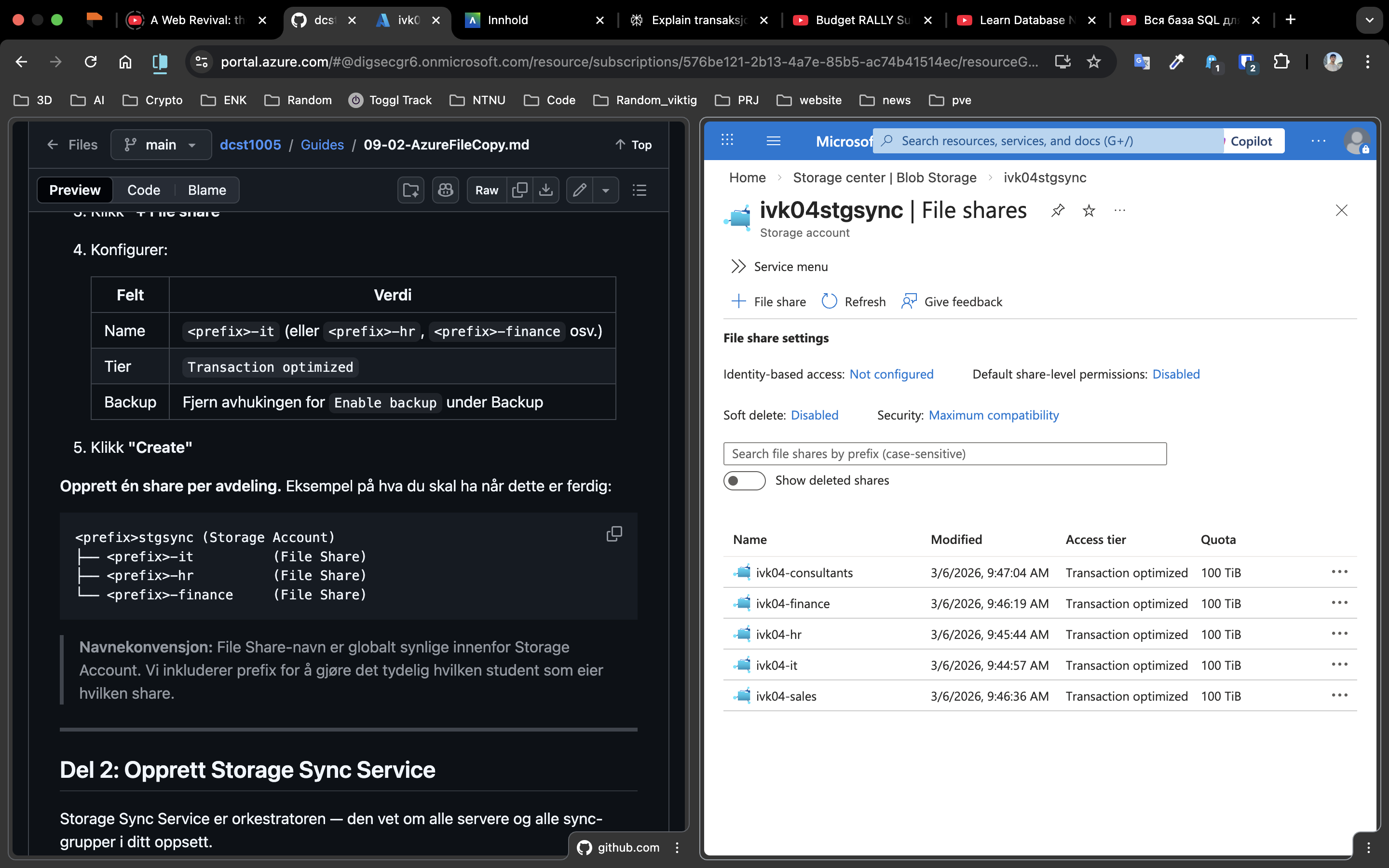
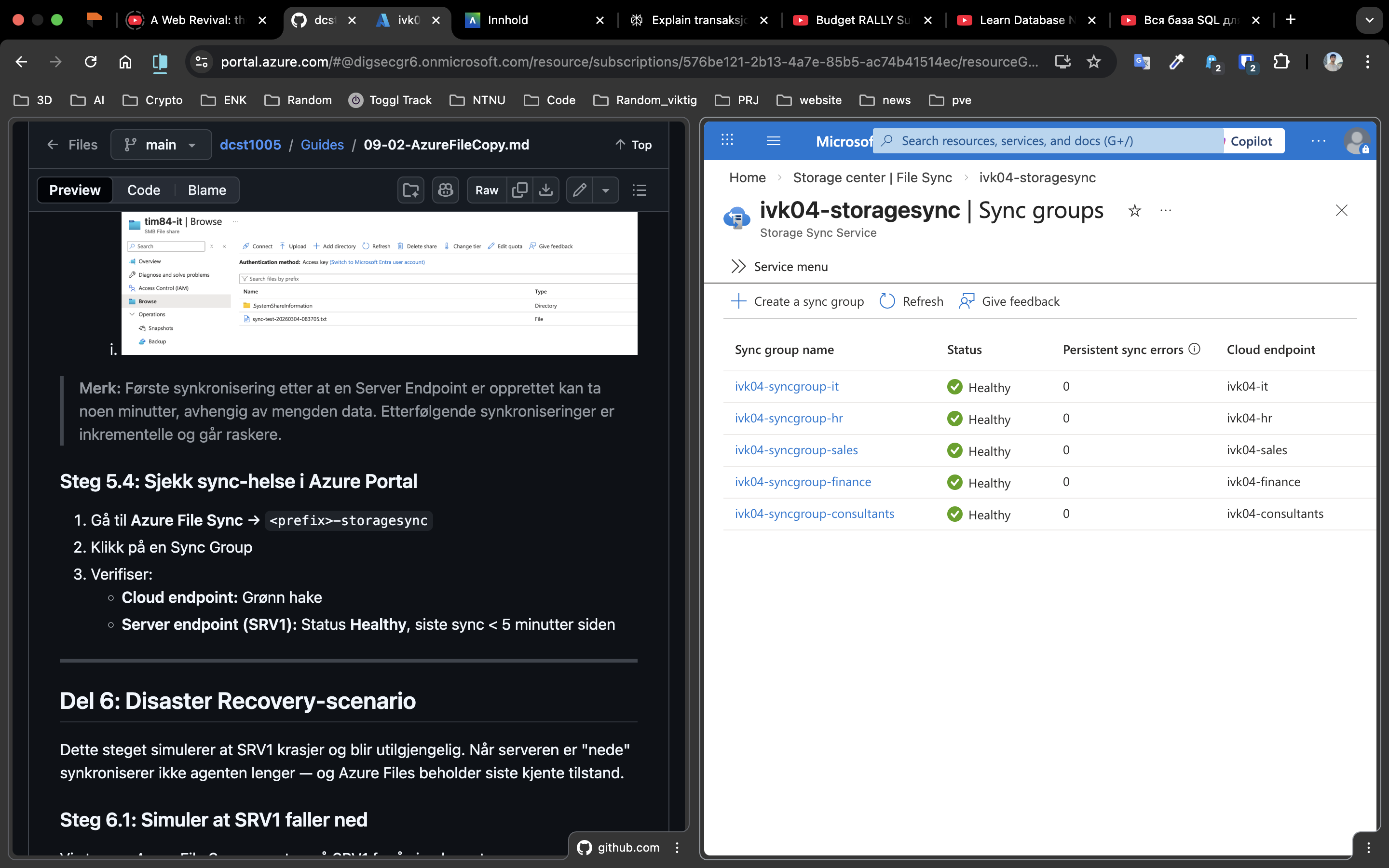
The hybrid monitoring lab (week 13) extended this with Azure Monitor - pulling performance data and log analytics from the Arc-connected machines into the same monitoring workspace as the cloud resources. One pane, on-prem and cloud together.
VPN Gateway and AKS
The final infrastructure labs combined networking, Kubernetes, and security into one deployment.
A Point-to-Site VPN Gateway was set up in the hub VNET using OpenVPN with Microsoft Entra ID authentication. The design was deliberate: users authenticate with Entra ID credentials before they can reach anything in the network. No pre-shared keys, no public-facing endpoints.
The AKS cluster was deployed in a spoke subnet, with a Node.js application managing employee records backed by Azure Table Storage. The service was configured as internal-only, receiving a private IP rather than a public load balancer. Kubernetes Secrets handled the Storage Account key - not hard-coded, not in environment variables.
To reach the application, you authenticate via Entra ID, connect through VPN, and access the private IP. Nothing is reachable without that path. The whole setup is a fairly clean implementation of zero-trust network access at a lab scale.
What I took from this
The course covered a lot of ground, which means no single topic went especially deep. But breadth has its own value here: I now have hands-on experience with the full lifecycle from domain setup through hybrid cloud, and I can connect the pieces. Active Directory is the identity backbone. Group Policy enforces configuration at scale. DFS abstracts storage. Azure Arc bridges on-prem and cloud management. The VPN and firewall are access control layers. AKS is just another workload running inside that network.
The PowerShell scripting that ran through everything was probably the highest-leverage skill. The ability to automate repetitive configuration tasks, query remote systems, and generate reports from the command line is what separates someone who can click through a GUI from someone who can actually operate infrastructure at scale.
The homelab work I had been doing independently made the Azure sections land differently than they might have otherwise. Getting to a graded exercise and thinking "I built this last month" is a useful signal that the learning is sticking outside of assigned tasks.
The course repo with all guides and scripts is on GitHub: torivarm/dcst1005.